
Finder’s look.
Explorer’s navigation.
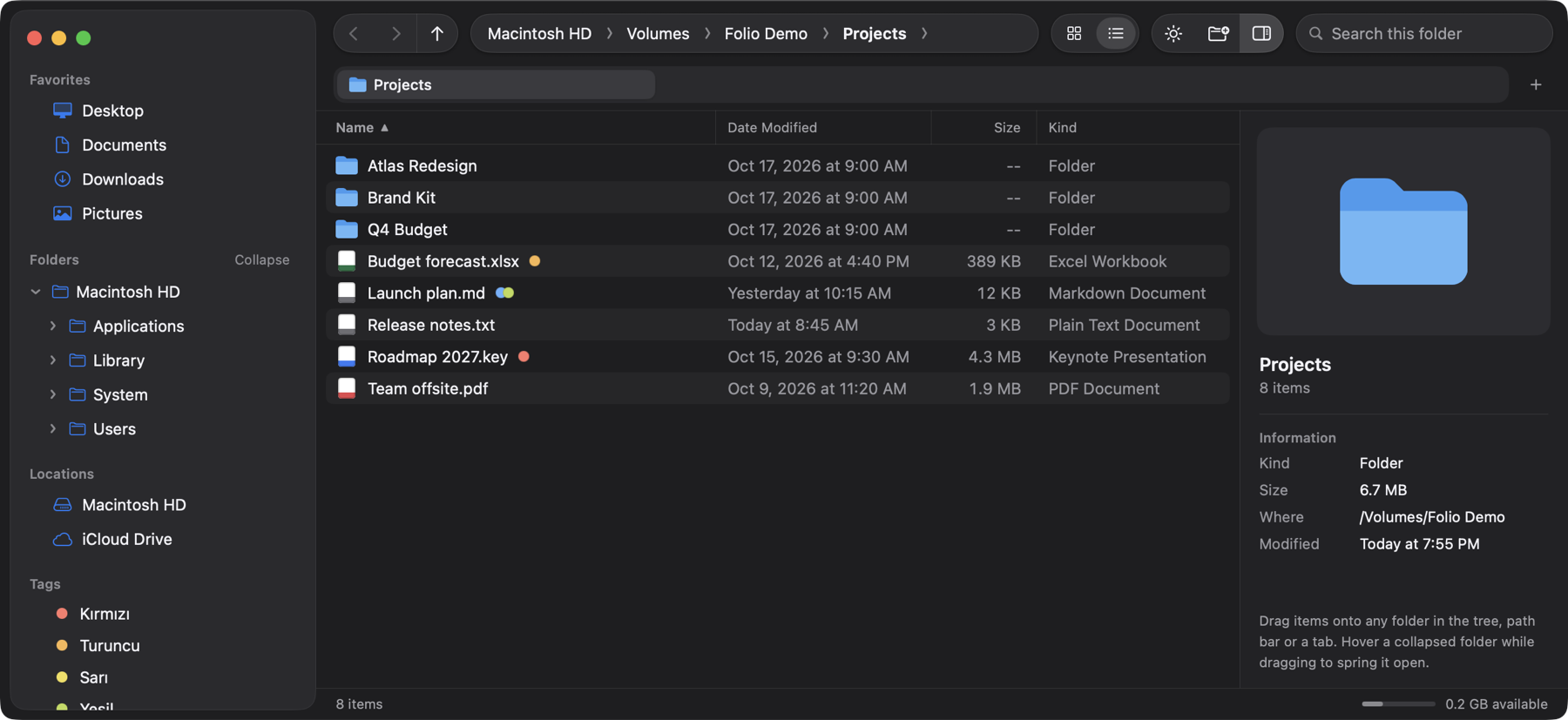
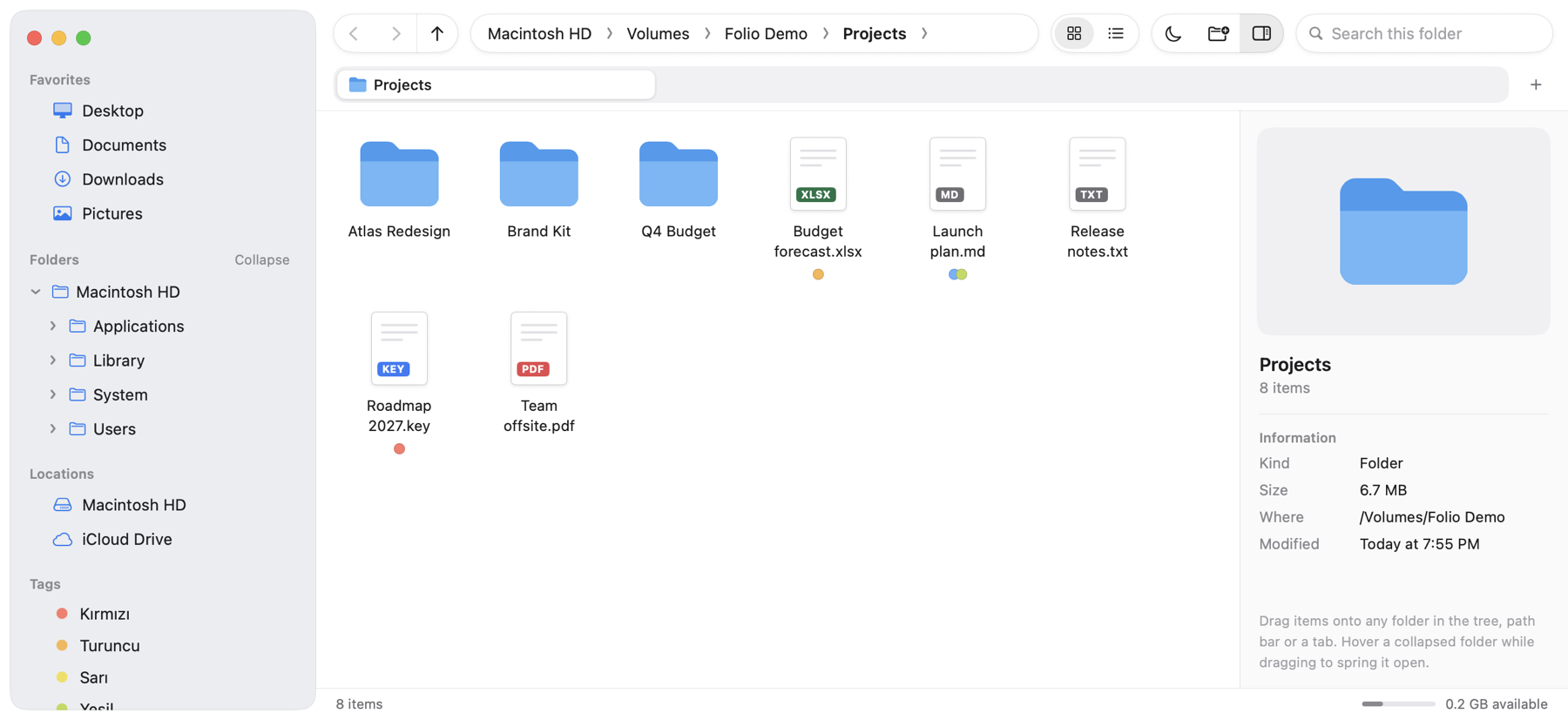
Folio: Smart File Browser is a native Mac file manager with an always-open folder tree, a clickable and typeable path bar, tabs, and fast drag-and-drop moves — with Undo.
Persistent folder tree
Starts at the root of your disk, expands to reveal where you are, and stays open while you work.
Path bar you can type in
Click any crumb to jump, open its subfolders from a menu, or press ⌘L and type a path with Tab completion.
Move with confidence
Drag onto any folder, tab or crumb. Name clashes are skipped, never overwritten, and every move can be undone with ⌘Z.
Copy with ⌥
Hold ⌥ while dragging to copy instead of move. Undo moves the copies to the Trash.
Tabs & history
Every tab keeps its own back and forward history. Your open tabs come back next time you launch.
Quick Look & Inspector
Press Space to preview. The inspector shows kind, size (folders sized in the background), location and dates.
Favorites & Finder tags
Add any folder to the sidebar. Colored Finder tags show on files, can be set from the context menu, and are listed from the sidebar.
Private by design
No account, no ads, no analytics, no network access. Folio works only on your own files, on your own Mac.
See it in action
Requirements
macOS 14 Sonoma or later.
Questions?
See Support or write to mehmetduranyazilim@gmail.com.